
Invoice Processing Automation Checklist: From Email Attachments to ERP Dashboards
A practical checklist for Saudi and MENA businesses that want to reduce manual invoice handling, improve approvals, validate VAT and vendor data, integrate with ERP systems, and gain clearer finance dashboards.
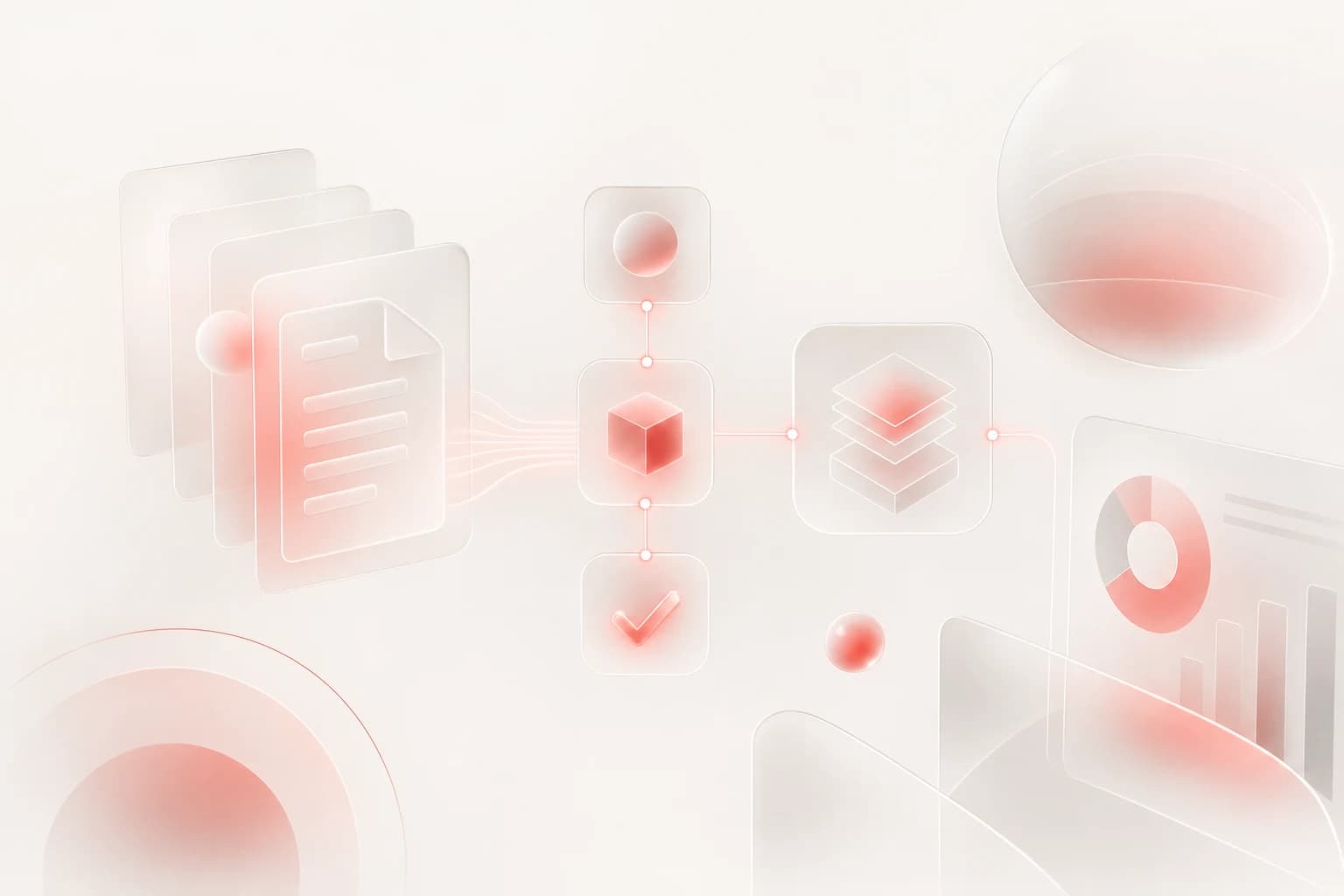
Many finance teams in Saudi Arabia and the wider Gulf still receive supplier invoices through email attachments, WhatsApp messages, scanned PDFs, and paper copies. The real issue is not only the time spent typing data into spreadsheets or ERP screens. It is the risk of missed invoices, duplicate payments, unclear approvals, weak audit trails, and delayed visibility for management. Invoice processing automation helps turn this scattered flow into a controlled workflow from invoice capture to approval, accounting entry, and reporting.
1. Map the current invoice journey before automating
Before choosing tools or adding AI, document how invoices move today. A simple workflow map will show where delays, rework, and risks happen.
Start with these questions:
- Where do invoices arrive: email, WhatsApp, supplier portal, courier, branch offices, or shared folders?
- Who opens and reviews them first?
- What data is manually entered: supplier name, VAT number, invoice number, purchase order, line items, totals, due date, cost center?
- Who approves invoices, and does the approval depend on amount, department, project, or branch?
- Which system receives the final entry: ERP, accounting software, inventory system, procurement system, or spreadsheet?
- How are exceptions handled: missing purchase order, wrong VAT amount, duplicate invoice, unclear attachment, or unregistered vendor?
This mapping stage prevents a common mistake: automating a messy process exactly as it is. The goal is not only to move faster. The goal is to create a process that is clear, traceable, and easier to manage.
For many businesses, the ideal target workflow looks like this: capture invoice, extract data, validate supplier and tax details, match with purchase order or contract where needed, route for approval, post to ERP/accounting, archive documents, and display status on dashboards.
2. Capture invoices from all channels into one controlled queue
Automation starts with centralizing invoice intake. If invoices remain spread across personal inboxes, WhatsApp chats, and local folders, the business will continue depending on individuals to forward, rename, and track files.
A better setup is to create one controlled invoice queue. This can include:
- A dedicated invoice email address, such as invoices@yourcompany.com
- A secure upload form for suppliers
- A shared internal portal for branches or project teams
- Automated forwarding from approved email inboxes
- Manual upload only as a backup, not as the main process
Each received invoice should get a unique tracking reference. From that point, finance can see whether the invoice is new, under review, waiting for approval, rejected, posted to ERP, or paid.
This queue should also store the original file. Whether the invoice is a PDF, image, scan, or XML file, the original document must remain available for audit and dispute handling. If your business operates in Saudi Arabia, the workflow should also respect VAT and e-invoicing related document requirements that apply to your situation.
The key business benefit at this stage is control. Management no longer needs to ask, “Where is this invoice?” The system should answer that question.
3. Use OCR and AI extraction, but keep validation rules in place
OCR and AI can reduce manual data entry by reading invoice documents and extracting fields. Typical fields include:
- Supplier name
- VAT registration number
- Invoice number
- Invoice date and due date
- Purchase order number
- Subtotal, VAT amount, and total amount
- Currency
- Line item descriptions and quantities
- Bank account details
- Branch, project, or cost center if available
However, AI extraction should not be treated as final truth. Invoice formats vary, scans can be unclear, and supplier layouts change. A reliable automation workflow combines extraction with validation rules.
Important validation checks include:
- Is the supplier already registered and active?
- Does the VAT number match the vendor record?
- Is the invoice number already used by the same supplier?
- Do subtotal, VAT, and total amounts calculate correctly?
- Is the invoice date acceptable?
- Does the purchase order exist and still have remaining budget?
- Is the bank account different from the approved vendor bank account?
- Are required attachments included, such as delivery notes or contract references?
For Saudi and MENA businesses, VAT validation is especially important. The system should not simply read tax values; it should check whether the invoice structure and vendor details are consistent with internal policy and applicable tax handling.
A practical design is to assign confidence levels. If the system is highly confident and validations pass, the invoice moves forward automatically. If confidence is low or a rule fails, the invoice goes to a finance reviewer with the exact issue highlighted.
4. Design approvals and exceptions around business rules
Approvals are often where invoice processing slows down. A manager may be traveling, an invoice may be sent to the wrong department, or finance may not know who owns the purchase.
Automation should route approvals based on clear rules, such as:
- Department or cost center
- Project or branch
- Purchase order owner
- Invoice amount threshold
- Vendor category
- Contract type
- Urgency or due date
For example, a small recurring service invoice may need one department approval, while a high-value project invoice may require project manager, finance manager, and general manager approvals. The system should support these differences without requiring finance to manually chase each step.
Exception handling is just as important as normal approvals. Common exceptions include:
- Missing or invalid purchase order
- Invoice total does not match the purchase order
- Quantity or price mismatch
- Vendor not found
- Duplicate invoice detected
- VAT amount inconsistent with the invoice total
- Attachment unreadable
- Approval overdue
Each exception should have an owner, status, and comment history. Avoid using side conversations as the official record. If a manager rejects an invoice, the reason should be captured in the system. If finance corrects extracted data, the change should be logged.
This creates an audit trail that protects the business. It also reduces repeated questions between finance, procurement, operations, and management.
5. Integrate with ERP and build dashboards for management
The final stage is connecting the invoice workflow to the systems that run the business. For many companies, this means ERP or accounting software. For others, it may include procurement, inventory, project management, or payment systems.
A good integration should avoid double entry. Once an invoice is approved, the system can create or prepare the accounting entry with the correct supplier, invoice number, tax values, cost center, project, and attachment link. Depending on your ERP setup, this may happen through an API, database connection, approved import file, or middleware.
Do not start integration without deciding ownership of master data. Supplier records, VAT numbers, cost centers, chart of accounts, purchase orders, and project codes should come from a trusted source. Otherwise, automation may create duplicate vendors or post invoices to the wrong accounts.
Management dashboards should answer practical questions, not just display charts. Useful dashboard views include:
- Invoices received this month
- Invoices waiting for approval
- Overdue approvals by department
- Total approved but not posted
- Total posted but not paid
- Exceptions by type
- Average handling time by stage
- Supplier invoices with duplicate warnings
- VAT amounts by period
- Cash flow visibility based on due dates
Dashboards are especially helpful for owners and finance leaders who do not want to open multiple systems or ask the team for status updates. A clear dashboard turns invoice processing from a hidden back-office activity into a managed business process.
Security and permissions also matter. Not every user should see all supplier prices, bank details, or approval comments. The workflow should include role-based access, document access control, and activity logs. This is important for confidentiality and internal governance.
Implementation checklist
Use this checklist when planning your invoice automation project:
- Centralize all invoice intake channels into one controlled queue.
- Keep the original invoice file attached to every record.
- Use OCR and AI extraction for key fields, but validate the results.
- Check vendor status, VAT details, invoice number, totals, purchase order, and bank details.
- Route approvals based on department, project, amount, and authority rules.
- Create clear exception workflows with owners and comments.
- Maintain a full audit log of changes, approvals, rejections, and ERP posting.
- Integrate with ERP or accounting software to reduce duplicate data entry.
- Define the master source for suppliers, cost centers, accounts, and purchase orders.
- Build dashboards that show invoice status, bottlenecks, exceptions, and cash flow impact.
Invoice automation does not need to begin as a large transformation project. Many businesses start with one invoice channel, one department, or one type of supplier invoice, then expand after the workflow is proven.
If you want to review how invoice automation could fit your current ERP, approval process, and finance team structure, Pioneers.dev offers a free WhatsApp consultation to discuss the best starting point for your business.
Written with AI assistance and reviewed for relevance to Pioneers.dev services.