
Zoom’s AI Expansion Is a Workflow Automation Signal, Not Just a Meeting Feature
Zoom’s wider AI push shows where business communication tools are heading. For Saudi and MENA companies, the value is not in summaries alone, but in connecting meetings, calls, and customer interactions to real workflows, controls, and measurable follow-up.
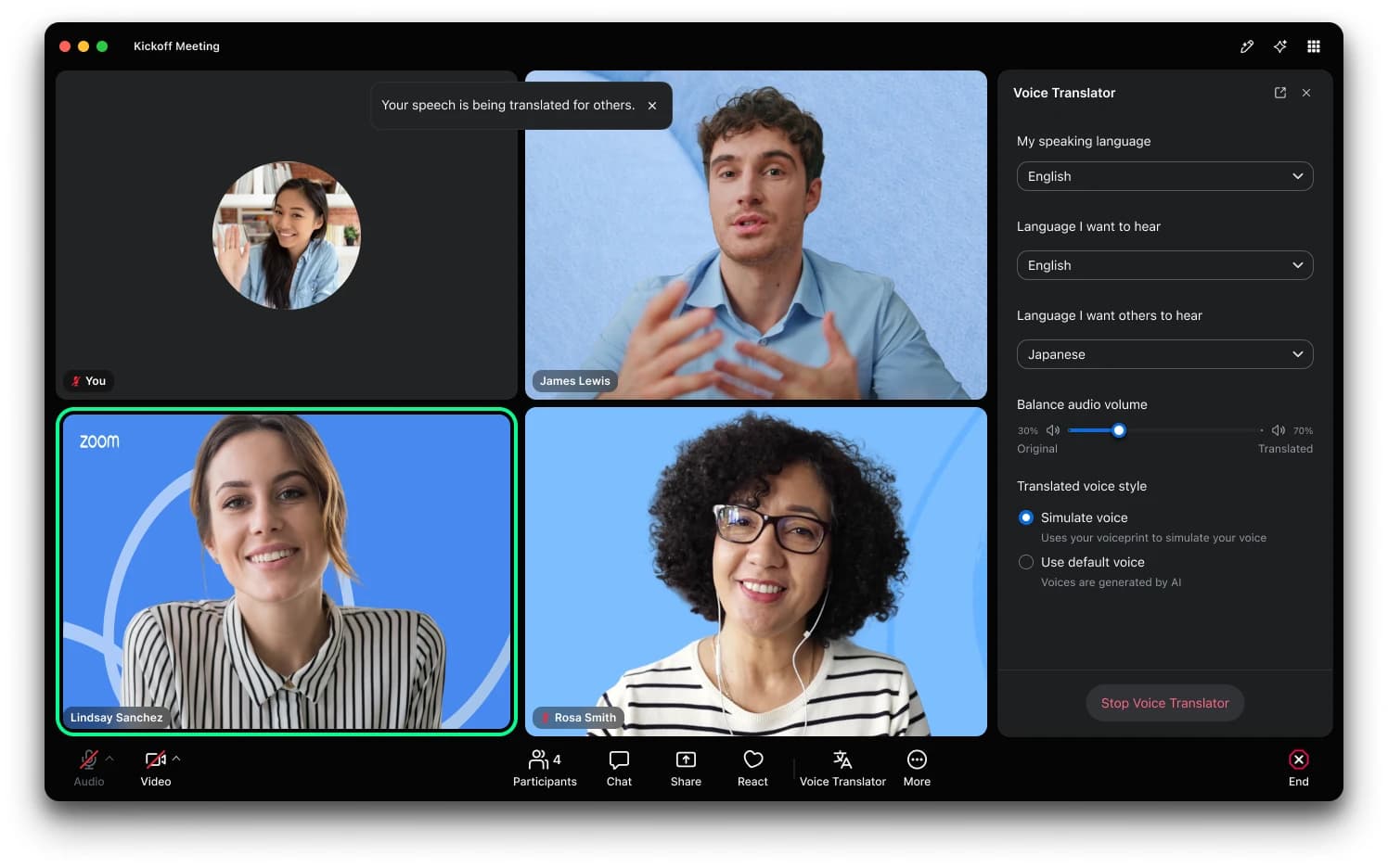
Many businesses in Saudi Arabia and the wider Gulf already have too many conversations scattered across meetings, calls, WhatsApp messages, email threads, CRM notes, and support systems. The problem is not only that teams spend time in meetings. It is that decisions, customer requests, approvals, and follow-up tasks often remain trapped inside those conversations. AI meeting tools promise to fix this, but they only create real value when they connect to the way your business actually works.
According to SiliconANGLE News, Zoom Communications is expanding beyond videoconferencing with a shared intelligence layer designed to help AI agents turn meetings, calls, and customer interactions into completed work across business applications. That direction is important for business owners and managers: AI is moving from “summarise this meeting” toward “help complete the next step.”
For companies in Riyadh, Jeddah, Dammam, Dubai, Doha, Kuwait, and across the region, this is a practical signal. The next stage of AI adoption is not about adding another tool to the stack. It is about connecting communication data to CRM updates, support tickets, follow-up tasks, approvals, dashboards, and knowledge bases — with clear controls.
From meeting notes to completed work
Many teams start with AI by enabling meeting summaries. This is useful, especially for managers who cannot attend every call. A good summary can capture decisions, action items, open questions, and customer concerns.
But a summary sitting in a meeting app is still passive information. Someone must copy it into the CRM, assign tasks, update a project board, create a support ticket, notify finance, or prepare a proposal. If that manual step does not happen, the business does not benefit from the AI output.
The more valuable model is workflow automation. For example:
- A sales call produces a clean CRM note, next-step task, and reminder.
- A customer complaint becomes a support ticket with priority and owner.
- A project meeting creates tasks in the project management system.
- A management decision triggers an approval workflow.
- A repeated question becomes an entry in the internal knowledge base.
- A customer success discussion updates a renewal-risk dashboard.
This is why Zoom’s move, as described by SiliconANGLE News, matters beyond videoconferencing. It reflects a wider market shift: business communication platforms are becoming sources of structured operational data.
For a non-technical manager, the key question is simple: after AI listens, reads, or summarises, what happens next?
Where Saudi and MENA businesses can apply this first
The best use cases are usually not the most complex. They are the repetitive communication-heavy processes where information is frequently lost between systems.
Sales teams are a natural starting point. In many businesses, salespeople speak with prospects, agree on requirements, and promise follow-up. But CRM data may remain incomplete because updating it is administrative work. AI-assisted workflows can help capture meeting outcomes, draft follow-up emails, create tasks, and update deal stages — if the CRM integration is designed properly and reviewed by humans where needed.
Customer support is another strong area. Calls and online meetings often contain valuable details: what the customer tried, what failed, what they expect, and whether the issue is urgent. If AI can help convert that conversation into a well-structured support ticket, the customer receives faster handling and the support team avoids repeated questioning.
Operations and project management can also benefit. Weekly meetings often produce task lists, blockers, and dependencies. Instead of leaving those inside a transcript, automation can push them into the project system, assign owners, and reflect progress in dashboards.
Executive and management meetings are more sensitive but still relevant. AI can help track decisions, follow-ups, and approvals. However, these workflows require stricter permissions, review steps, and audit trails because they may involve finance, HR, legal, or confidential strategy.
The common thread is not “AI for meetings.” It is “AI for business continuity.” When every conversation leads to the correct next action, the company becomes more consistent.
Controls matter as much as automation
For Saudi and Gulf businesses, AI adoption must be practical and controlled. Meeting, call, and customer-interaction data can include personal information, commercial terms, pricing discussions, employee matters, and client-specific details. Connecting that data to other systems without governance can create risk.
Before rolling out AI workflow automation, businesses should define clear controls in several areas.
First, permissions. Not every employee should be able to trigger every automation. A sales call may update CRM fields, but it should not approve discounts unless the approval policy allows it. A support conversation may create a ticket, but it should not expose sensitive customer data to unrelated teams.
Second, privacy. Teams need clear rules about what can be recorded, transcribed, stored, and shared. Customer-facing teams should understand when consent is required and how recordings or transcripts are handled. Managers should also decide retention rules: how long should summaries, transcripts, and AI-generated outputs be kept?
Third, Arabic and English transcription quality. Many Gulf companies operate in both languages, often with mixed Arabic-English conversations. AI output must be tested against real internal speech patterns, accents, industry terms, and customer vocabulary. If transcription quality is weak, automation can create bad records at scale.
Fourth, human review. AI should not be treated as an automatic authority. In most business workflows, the safest approach is to let AI draft, classify, and recommend — while a human confirms important updates. This is especially important for pricing, legal commitments, complaint escalation, HR matters, and financial approvals.
Fifth, audit trails. Managers should be able to see what the AI generated, what was changed by a human, what system was updated, and when. Without an audit trail, it becomes difficult to investigate mistakes or prove that a process was followed.
These controls do not block innovation. They make automation usable in real business environments.
A practical rollout path
A business does not need to automate everything at once. In fact, the safest approach is usually a focused pilot.
Start with one workflow where communication volume is high and the business impact is clear. For example, a sales follow-up process, support ticket creation, or project action tracking. Define the current process in simple terms: where the conversation happens, what information is needed, who owns the next step, and which system must be updated.
Then decide what AI should do and what humans must still approve. A good first version might only generate a suggested CRM note and follow-up task. Once the team trusts the output, the workflow can become more automated.
Next, connect the right systems. Meeting and calling platforms must talk to CRM, helpdesk, project management tools, dashboards, and internal knowledge bases. The integration layer is where much of the real value is created. Without it, AI remains a separate assistant rather than part of the operating process.
Finally, measure simple operational indicators. Are CRM records more complete? Are follow-ups sent faster? Are support tickets clearer? Are managers seeing more accurate dashboards? Are employees spending less time copying notes between systems? These practical signals are more useful than abstract AI excitement.
Key takeaways
- Zoom’s AI expansion, reported by SiliconANGLE News, reflects a wider shift from meeting summaries to workflow execution.
- The value for Saudi and MENA businesses comes when AI connects conversations to CRM, support, approvals, tasks, dashboards, and knowledge bases.
- Arabic-English transcription quality, privacy, permissions, human review, and audit trails should be planned from the start.
- Start with one high-volume workflow before expanding automation across the company.
- Treat AI as a process improvement tool, not just another feature inside a meeting platform.
If you are exploring how meeting, call, or customer-interaction AI could connect with your CRM, support, or internal workflows, Pioneers.dev offers a free WhatsApp consultation to help you assess the right starting point calmly and practically.
Source: SiliconANGLE News
Written with AI assistance and reviewed for relevance to Pioneers.dev services.